


NEXIFY product
PRIME IPTV.
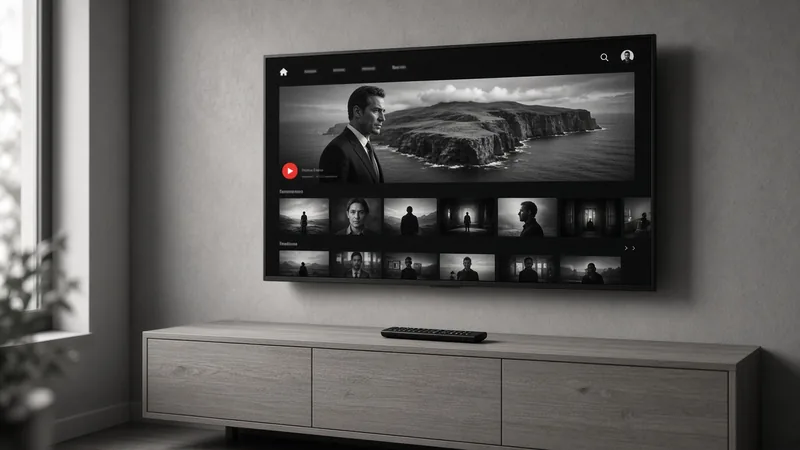
A multi-platform IPTV player built by NEXIFY. Add your own M3U playlist or Xtream Codes login once from the web portal, and watch live TV, movies and series on your Smart TV, Android device or Windows PC.
Media player only. PRIME IPTV does not sell, host or provide any channels or playlists.
How it works
Install. Upload. Watch.
Install the app. Open PRIME IPTV on your TV or device and note the MAC address and Device Key shown on the first screen.
Upload your playlist. On primeiptv.stream, enter the MAC and Device Key, then add an M3U file, a playlist URL or an Xtream Codes login.
Start watching. Reload the app on your TV. Your channels, movies and series appear, organised by category.
Where it runs
One player. Every screen.
- 01Samsung Smart TV (Tizen)
- 02LG Smart TV (webOS)
- 03Android and Fire TV
- 04Windows PC
- 05Philips (Titan OS)
- 06Web browser
What you get
Built for the living room.
Player only. No channels included. PRIME IPTV is software for playing streams you already have. You need your own M3U playlist or stream credentials from your provider. Do not pay for activation if you do not already have working streams.
Pricing
Try free. Pay once.
14-day free trial. Every new device starts with a free trial, so you can check your playlist works before paying anything.
One-time activation per TV. Activation is a software licence for that device. No monthly fee and no subscription. The current price is shown on the activation page.
Secure checkout. Payments run through Stripe and activate the device automatically.
NEXIFY product
Common questions.
01Does PRIME IPTV include channels?
No. PRIME IPTV is only a media player. We do not sell, host or provide channels, playlists or IPTV subscriptions. Please do not ask us for them.
02What do I need to use it?
A supported device and your own M3U playlist or Xtream Codes details from a provider you already use.
03Is it a subscription?
No. After the 14-day free trial you can activate each TV with a one-time payment. It stays activated without recurring fees.
04Why does it say “MAC address not found”?
Check the MAC for typos, and open PRIME IPTV on the TV at least once before uploading a playlist.
The next chapter
Let’s make something matter.
Tell us where you want to go. We’ll help you work out how to get there.